An app for real work at the fair
Your job in the hall is to talk. Ours is to make sure nothing from those conversations is lost.
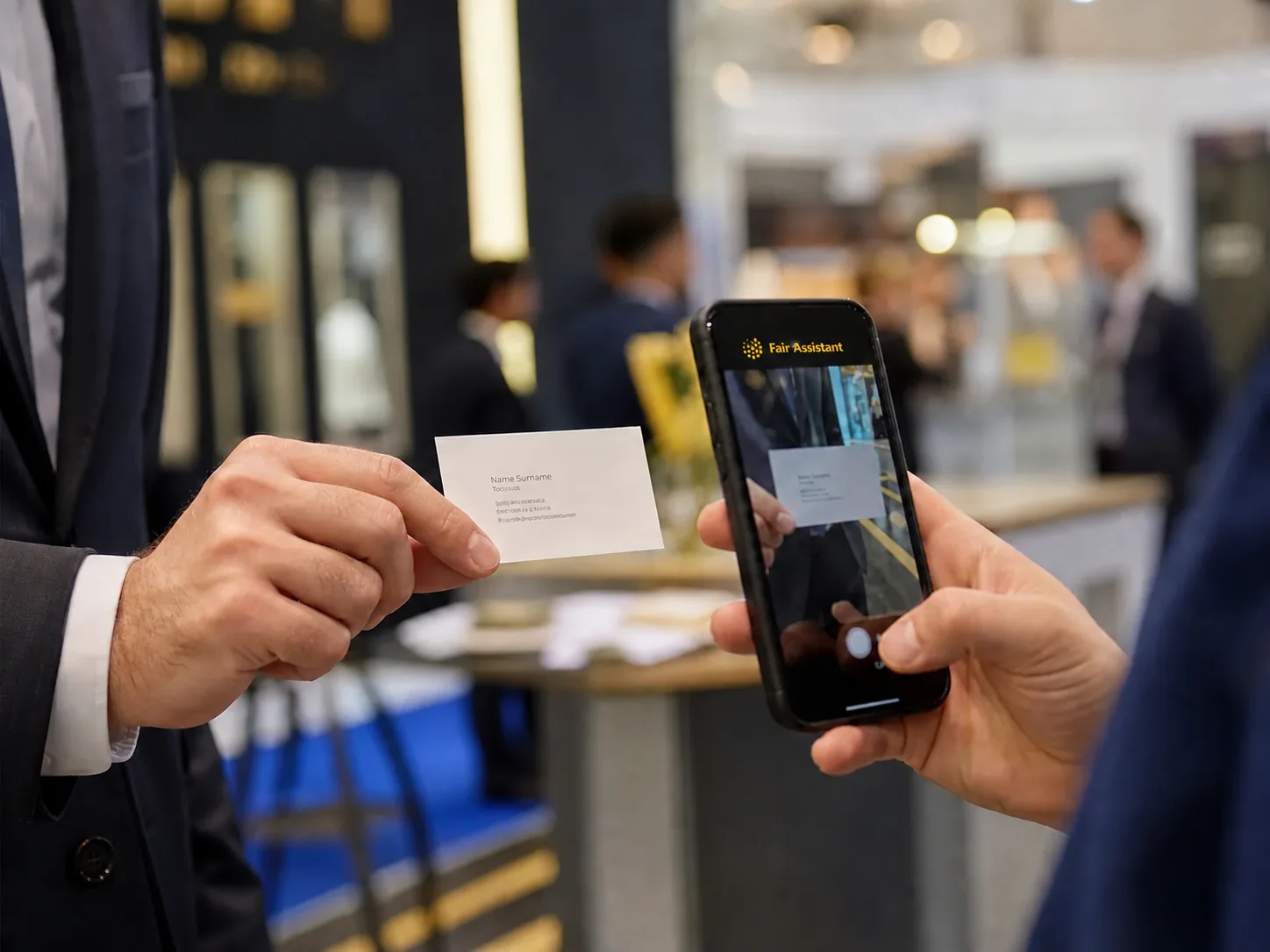
Fair Assistant turns a business card into a tidy business contact and keeps it together with photos, notes and the fair where you met the person. When you get home, there is no manual retyping waiting for you — there is a list of people, agreements and next steps.

Scan to get the app
Works without internet in the exhibition hall
Scanning business cards, taking notes and working with saved contacts are available even when the internet is weak or unavailable.
For Android · 22 languages
A business card is not a result
After a few days in the hall it is easy to collect a hundred business cards, product photos and short notes. The real problem is not gathering them, but remembering who asked for what, which conversation mattered and who you promised an answer to.
Fair Assistant keeps that context while the conversation is still fresh, so that a business card becomes the start of the next business step.
Bring more than business cards back from the fair
The app is made for individuals who visit trade fairs, for exhibitor teams on the stand, and for business teams that work through trade fair contacts together.
- A business card becomes a contact without manual retyping.
- Photos and notes stay linked to the right person and fair.
- The contact is ready for a message, a review or an export.
Built for real work on the show floor
Six practical jobs it handles while the conversations are still going on.
Works even when the fair's internet does not
The app reads a photographed business card on the device and suggests the name, company, job title, phone numbers, email, website and country. Before saving, you can review and correct every detail.
Remembers what the card does not say
Add photos and a written or voice note to the contact: what the other person is interested in, which product you showed, what you promised and what next step you expect.
Links every contact to the right fair
Contacts stay sorted by the event where they were created. That way you do not mix up different trips, campaigns and conversations from several fairs.
Helps you continue the conversation
From a contact, open email, WhatsApp or Viber and get in touch while the other person still remembers you. You can filter contacts by fair, country and other saved details.
Merges the team's local reports
Team members can send their local reports to the person leading the team. On import, the app skips duplicate contacts and keeps a record of who entered each one. A team can also share contacts through encrypted synchronisation, if the manager turns it on.
Produces a readable final report
Export contacts, notes, ratings and fair details to Excel. A backup keeps contacts, photos and notes in a single file that the user controls.
From the first conversation to the next step
In the hall
Scan the business card and immediately add what the card does not say: the reason for the conversation, what the other person is interested in and what you agreed.
After the meeting
Review the contact and send a short message while the conversation is still fresh. That way the recipient can easily connect your message to the person they met at the fair.
After the fair
Pick out the most important contacts, review the team's work and export the report. Instead of retyping afterwards, you can spend the time on quotes, replies and building the relationship.
Your business contacts stay with you
Business cards are read on the phone. Contacts, photos, notes and reports are created on your phone; if you turn sync on, contacts and notes are also kept on our server, encrypted so that we cannot read them, and you decide when to export, share, back up or delete them.